
Not sure how to choose a wifi router without drowning in jargon? Pick the standard your devices can actually use, then plan for coverage rather than headline speed.
This page is one part of the consumer electronics buying guide, which sets out the criteria for choosing everyday devices.
| Item | Value |
|---|---|
| Wi-Fi 6 and Wi-Fi 6E standard | IEEE 802.11ax |
| Wi-Fi 7 standard | IEEE 802.11be |
| Extra band added by Wi-Fi 6E | 6 GHz (5.925 GHz to 7.125 GHz) |
| Maximum channel width | 160 MHz (Wi-Fi 6/6E) versus 320 MHz (Wi-Fi 7) |
| Theoretical peak rate | About 9.6 Gbps (Wi-Fi 6/6E) versus approximately 46 Gbps (Wi-Fi 7) |
| Security required | WPA3 on all three generations |
The figures come from TechTarget’s standards explainer and Ezurio’s Wi-Fi 7 comparison. Standards and product claims can change, so check the sources before you rely on them.
Which Wi-Fi standard should you look for?
Every Wi-Fi generation maps to an IEEE standard. TechTarget explains that Wi-Fi 6 and Wi-Fi 6E share 802.11ax, while Wi-Fi 7 is 802.11be.
The “E” label exists for a reason. The same TechTarget piece says the Wi-Fi Alliance named the updated version of 802.11ax that includes the 6 GHz spectrum Wi-Fi 6E, and that the FCC approved the 5.925 GHz to 7.125 GHz range for Wi-Fi use in the U.S. (as reported in its March 24, 2025 article).
In short, the three labels you will meet on a box are:
- Wi-Fi 6: 802.11ax in its early form, which only operated on the 2.4 GHz and 5 GHz bands (TechTarget).
- Wi-Fi 6E: the same 802.11ax feature set, extended into the 6 GHz band (Ezurio).
- Wi-Fi 7: 802.11be on the 2.4 GHz, 5 GHz and 6 GHz bands, with wider channels and multi-link operation (TechTarget).
As of Ezurio’s May 12, 2026 post, Wi-Fi 7 is described as the latest generation of Wi-Fi, building on Wi-Fi 6 and Wi-Fi 6E. A newer label is not automatically better for you, though, because your devices decide what you can use.
How to read speed claims on the box
Headline speeds are theoretical. Ezurio cites a peak physical layer rate of about 9.6 Gbps for Wi-Fi 6/6E and up to approximately 46 Gbps for Wi-Fi 7.
Sources do not even agree on the round numbers. TechTarget says Wi-Fi 6 promised up to 10 Gbps and Wi-Fi 7 touts theoretical speeds above 40 Gbps, and adds that real-world situations are not likely to achieve those values.
Two details explain the gap between brochure and living room:
- Channel width: Wi-Fi 7 supports channels up to 320 MHz, doubling the 160 MHz maximum of Wi-Fi 6/6E, per Ezurio. TechTarget notes that only rare environments support 160 MHz channels, and only in 6 GHz.
- Modulation: vendor messaging can suggest every Wi-Fi 7 link uses 4096 QAM, but TechTarget says most connections use lesser schemes because of situational conditions.
Ezurio adds that 4096-QAM needs a very high signal-to-noise ratio, achievable at short ranges or with beamforming (source). Treat the largest number on a package as a ceiling, not a promise.
Your internet plan matters as much. Ezurio says Wi-Fi 7’s speed boost makes the wireless link much less likely to be the bottleneck in networks with multi-gigabit wired backhauls and internet connections. If your connection is slower than that, a faster wireless ceiling changes little.
Coverage, bands and placement
Range falls as frequency rises. TechTarget states that higher frequency signals have a decreased usable range at the same output power, so 6 GHz networks need more access points than networks built on Wi-Fi 6 and earlier.
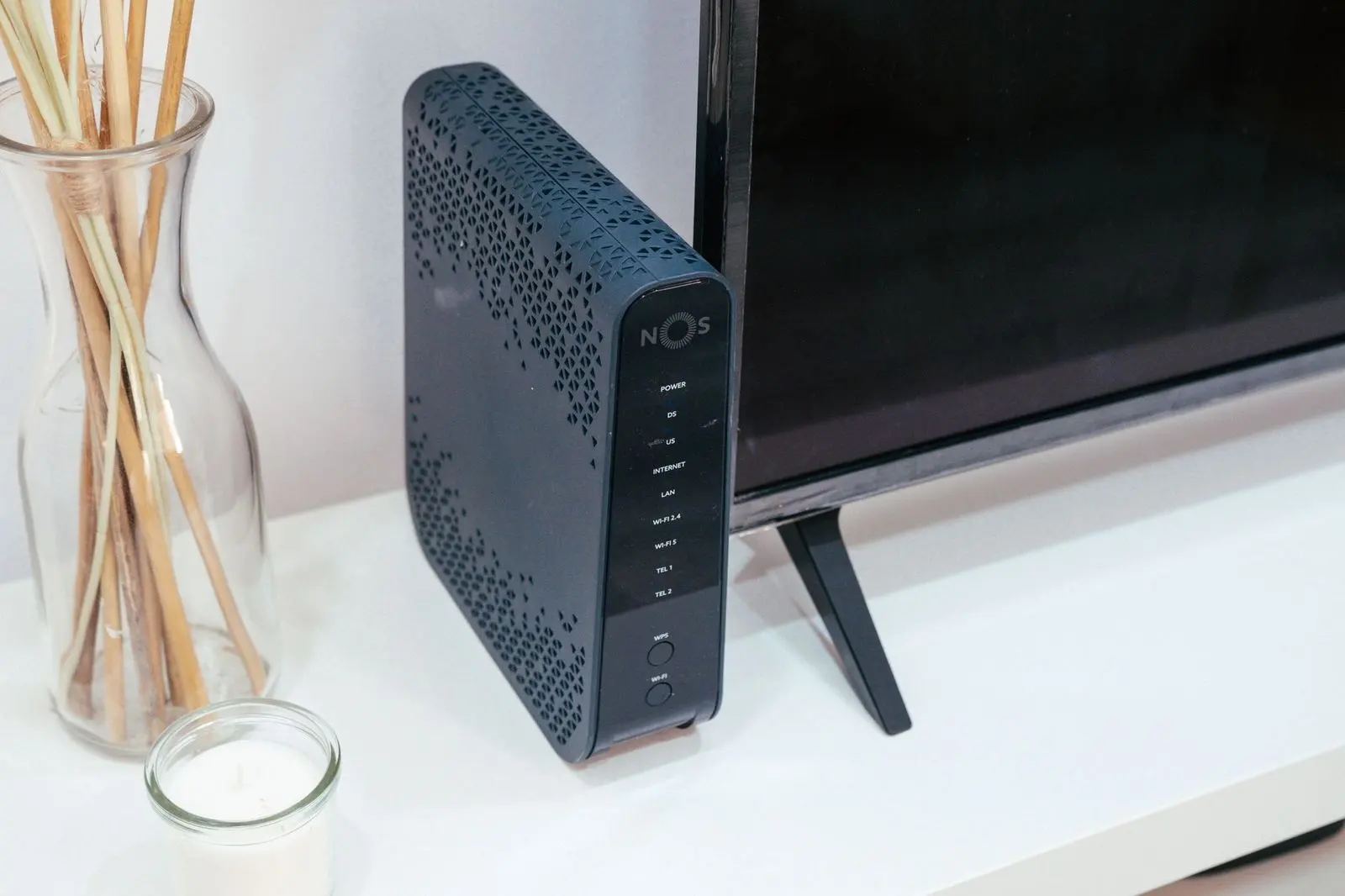
The same source adds that a solid wireless design is imperative for all Wi-Fi standards to perform to their potential. A router with a new label cannot make up for a poor layout.
Before you shop, sketch out your own situation:
- How many floors and rooms need a reliable signal?
- Which walls and ceilings sit between the router and your most-used devices?
- Where does the wired internet connection enter the home, and can the router sit near it?
- Would you be willing to add another access point if one unit leaves gaps?
The answers tell you whether one router is enough or whether you should plan for more than one unit from the start.
Choosing a wifi router to match your devices and security
Your phones, tablets and laptops matter as much as the router. According to TechTarget, smaller devices have fewer antennas, so client capabilities are lower in networks made up mostly of phones and tablets than in networks with larger devices such as laptops.
Multi-link operation (MLO) is a good example. TechTarget describes it as simultaneous communication on multiple bands for higher aggregate data rates, but notes that a device’s ability to support it depends on its hardware specifications.
Older gadgets do not need to be replaced. Ezurio states that all three generations require WPA3 security and remain backward-compatible with legacy Wi-Fi devices, so the new router can serve the old devices as well.
A short checklist before you buy
- List your main devices and the newest Wi-Fi generation each one supports.
- Compare your internet plan with the speeds you actually need, not with the theoretical peak on the box.
- Decide whether you want the 6 GHz band; if so, look for Wi-Fi 6E or Wi-Fi 7 on the spec sheet (TechTarget).
- Confirm that the listing names WPA3 security (Ezurio).
- Match the number of units to the size and layout of your home.
If you are shopping for other gear at the same time, our notes on how to choose a soundbar follow the same read-the-specifications approach. A separate guide explains how to choose a power bank if you also need portable charging.
Frequently asked questions
Is Wi-Fi 6E just another name for Wi-Fi 6?
Show answer
Nearly. Ezurio says the feature set is otherwise identical to Wi-Fi 6, and the E marks models that can also use the 6 GHz band.
Do I need Wi-Fi 7 if my devices are older?
Show answer
No. Older devices still connect, as Ezurio notes about backward compatibility, but they will not gain features their own hardware lacks.
Will a Wi-Fi 7 router reach its advertised top speed?
Show answer
Rarely, if ever, at home. TechTarget says most client devices will not see the theoretical speeds in their network environment.
Does a larger home need more than one unit?
Show answer
Often it does. Because higher bands reach less far, TechTarget points out that 6 GHz designs call for more access points than networks built on Wi-Fi 6 and earlier.