
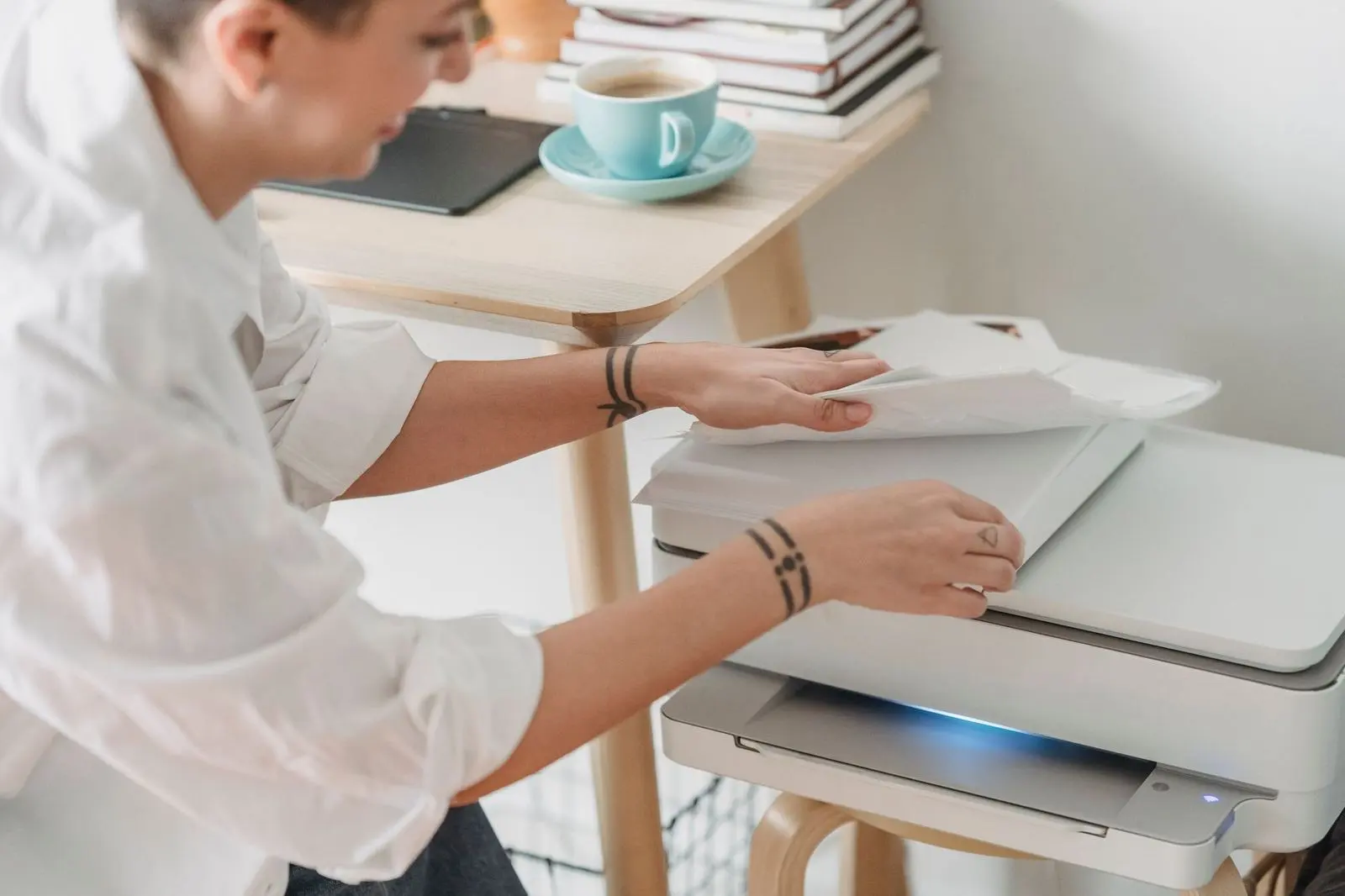
Wondering how to choose a printer without overpaying for ink? Match the type to what you print: laser for mostly text, inkjet for photos, and judge by cost per page, not sticker price.
This guide is part of the consumer electronics buying guide, which covers other product categories too.
| Item | Value |
|---|---|
| Yield standards for inkjet cartridges | ISO/IEC 24711 and ISO/IEC 24712 |
| Yield standard for monochrome laser toner | ISO/IEC 19752 |
| Coverage assumed in rated yields | Approximately 5% per page |
| Example cost per page | $0.06 ($18 cartridge rated for 300 pages) |
| Entry-level laser toner yield | About 1,500 pages |
| Standard inkjet cartridge yield | Between 150 and 500 pages |
The figures come from Ceedo’s page yield explainer and its companion guide. They can change, so check the source before you rely on them.
Inkjet or laser: which type fits what you print?
Both technologies print good documents, so the choice comes down to your habits. In a manufacturer blog post dated 13 September 2021, Epson wrote that what the printer will be used for, frequency of use and budget decide which model fits.
The same post says laser printers were generally considered for frequent, high-volume, text-based printing because of their speed and precision, while new inkjet models were producing the same results if not better. It also argued that the latest inkjets delivered better energy efficiency at a lower cost and with less waste. As it comes from a printer maker, read it as one side of the debate, not a verdict.
As a starting point, these rules of thumb draw on that Epson post and a Selectra UK guide:
- Mostly black text in steady volume: laser is the traditional fit.
- Photos and mixed graphics: Epson describes inkjet as the better printer for photos.
- Little desk space: inkjet models are described as the more compact type.
- A lot of printing in colour: Selectra frames a refillable tank as a third option next to inkjet and laser.
Why cost per page matters more than the sticker price
A cheap printer can be an expensive one to run. Selectra UK puts it plainly: the sticker price tells only half the story. Epson adds that cost per page, together with the volume you print, is how either type should be measured, and that laser printers can need a high initial investment although toner lasts long (Epson, September 2021).
The sum is simple: divide the cartridge price by its page yield. A black cartridge that costs $18 and is rated for 300 pages works out at $0.06 per page, according to Ceedo. A high-yield version at $28 rated for 600 pages falls to $0.047, nearly 22% cheaper per page despite the higher price on the shelf.
To work out your own figure, follow these steps:
- Find the price of the cartridge you would actually buy.
- Read its rated page yield on the box or spec sheet.
- Divide the price by the yield.
- For colour pages, add up the per-page cost of every cartridge used.
That last step matters because colour printing involves several cartridges (cyan, magenta, yellow, black), and the colour cost is the sum of all of them (Ceedo).
What page yield tells you and what it leaves out
A page yield is the estimated number of pages a cartridge can print before the ink or toner is depleted, according to Ceedo’s explainer. Published figures from reputable makers follow ISO/IEC 24711 and ISO/IEC 24712 for inkjet cartridges and ISO/IEC 19752 for monochrome laser toner. Those test pages are designed around approximately 5% ink coverage per page (Ceedo), which suits light text.
The same explainer gives typical ranges. A standard inkjet cartridge often yields between 150 and 500 pages, with XL versions reaching 800-1,500 pages. An entry-level laser toner cartridge might yield 1,500 pages, while a high-capacity one may yield 6,000 pages or more.
That gap is a major reason laser printers tend to have a lower cost per page for high-volume users, even though toner cartridges cost more upfront (Ceedo). The rating itself remains a statistical average derived from controlled testing, so treat it as a comparison tool and not a promise.
Real-world habits that raise your running costs
Rated yields assume light printing, so dense pages change the maths. At 40% coverage, a cartridge rated at 500 pages might only print 62 pages, according to Ceedo. If you print slides with coloured backgrounds or photos, expect your own yield to land well below the box figure.
Printing in small batches also costs more: it consumes more ink per page than one large document in a single session (Ceedo). These habits tend to push running costs up:
- Dense graphics, full-colour slides and photo prints.
- Many short print jobs instead of a few long ones.
- High-quality or photo modes used for everyday documents.
Settings can pull costs back down. Draft or economy mode uses significantly less ink per page and suits internal documents, and making black-and-white your default is one of the simplest ways to reduce ink consumption (Ceedo).
Size, quality and energy: other checks before you buy
On print quality, Epson says laser printers historically held a slight advantage with text and offer a resolution of up to 600 dots per inch or higher, while inkjets have advanced to comparable quality (Epson, September 2021). For everyday letters and forms, that is unlikely to be the deciding factor. Size may be: the same post calls inkjets relatively compact and laser printers considerably bulkier.
Energy claims deserve a careful read. Epson states that its business inkjet models consume up to 85% less power than laser printers, but its footnote says the figures come from internal testing conducted by Epson (Epson blog). Treat such numbers as a maker’s claim until you can compare like for like.
If you print from mobile devices, the guides on how to choose a tablet and how to choose a power bank cover the device and charging side.
A short checklist before you buy
- Note whether your pages are mostly text, mostly photos or a mix.
- Estimate how much you print in a normal month, including school or admin peaks.
- Compare cost per page for the cartridges each model uses, not only the shelf price.
- Check that the printer has room on your desk or shelf.
- Decide whether a refillable tank model deserves a place on your shortlist.
Frequently asked questions
Is a laser printer always cheaper to run than an inkjet?
Show answer
Not automatically. The machine itself can cost more up front, so the winner depends on how many pages you print, which is why the cost-per-page sum for your own volume settles it (Epson, September 2021).
Which type is better for photos?
Show answer
Epson’s September 2021 post describes inkjet as a better printer for photos and says it delivers excellent quality in offices too (Epson blog). Laser has traditionally been favoured for text work. Ask which paper and cartridges give the quality you want before choosing.
What happens if I only print now and then?
Show answer
Inkjets need a closer look here. Leaving a cartridge idle for weeks can let the nozzles partially dry and trigger extra cleaning purges that use ink, while laser printers are generally more consistent between lab and real-world yield because toner does not dry out (Ceedo).
Can I compare page yields between brands?
Show answer
Largely, yes. Because every major manufacturer uses the same test methodology, ISO-rated yields give a consistent baseline for comparison, though real use will still differ (Ceedo).