
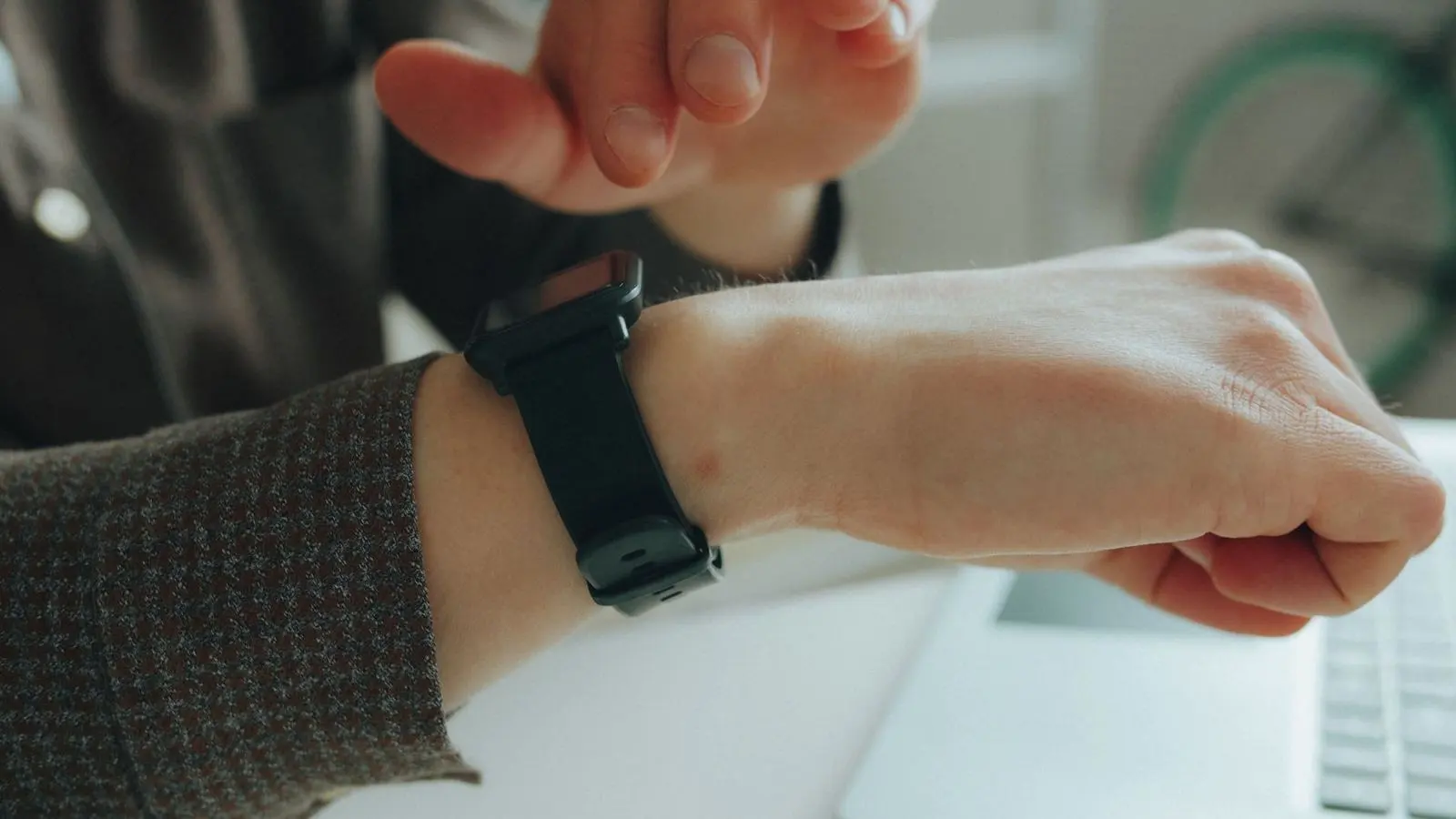
If you are wondering how to choose a smartwatch, start with your phone: it decides which watches work at all. Then convert quoted battery life into real days and treat health readings as trends, not diagnoses.
This guide is part of our consumer electronics buying guide, and it works through the criteria in the order that rules out watches fastest.
| Item | Value |
|---|---|
| Typical real runtime versus the quoted figure | Roughly 0.5 to 0.7 times the quoted figure |
| Share of power draw used by the display | Roughly 30 to 50 percent |
| Quoted runtime to look for if you charge weekly | About 12 quoted days |
| Top-up that suits overnight sleep tracking | 20 to 30 minute top-up |
| Phone an Apple Watch needs from setup | An iPhone |
These figures are rules of thumb taken from a criteria-first smartwatch buying guide. They can change as products and software change, so check the source before you rely on them.
Start with your phone’s operating system
The first filter is neither the screen nor the battery but the operating system on your phone. The buying guide calls it the one item you cannot fix later with money, and says compatibility cuts the field by more than half.
The Apple Watch requires an iPhone from initial setup onward and does not work with Android phones. Samsung and Google Wear OS watches go the other way: they are bound to the Android ecosystem from the setup app onward and are described as effectively unusable on iOS.
Here is how the choice usually falls out:
- iPhone owner, settled on iPhone: an Apple Watch is the natural match.
- Android owner, settled on Android: a Samsung or Google Wear OS watch fits the ecosystem.
- Either phone, or a switch ahead: look at brands that maintain their own app ecosystem. Garmin, Fitbit, Withings, Amazfit, Polar, Suunto, Coros and Huawei are the ones commonly cited.
Even with a cross-platform brand, expect notification replies, voice assistants and tap-to-pay to be missing or curtailed on iOS. If there is any chance you will change phone platform within the next year or two, a cross-platform brand costs you less than a platform-locked watch.
If your phone platform is settled, a same-ecosystem watch wins on integration polish. Match the watch to the phone you will actually carry, not the one you might buy someday.
How much battery life do you actually need?
Battery is the spec most likely to disappoint when taken at face value. Manufacturer figures are typically measured with the always-on display (AOD) disabled, satellite positioning unused, and few notifications arriving.
The same guide offers a rule of thumb: real runtime is roughly the quoted figure multiplied by 0.5 to 0.7. That assumes moderate notifications, AOD on, and GPS workouts two or three times a week.
To work backwards from the charging routine you want:
- Decide the longest gap between charges you will tolerate.
- Divide that gap by 0.6 to get the quoted runtime to shop for.
- For weekly charging, that points to about 12 quoted days as a safe bar.
- If AOD is non-negotiable for you, step up one tier from what the formula suggests.
The display is reported to account for roughly 30 to 50 percent of a smartwatch’s power draw, with a bright screen and GPS named as the two biggest drains (source). Leaving AOD on means running the most power-hungry component all day.
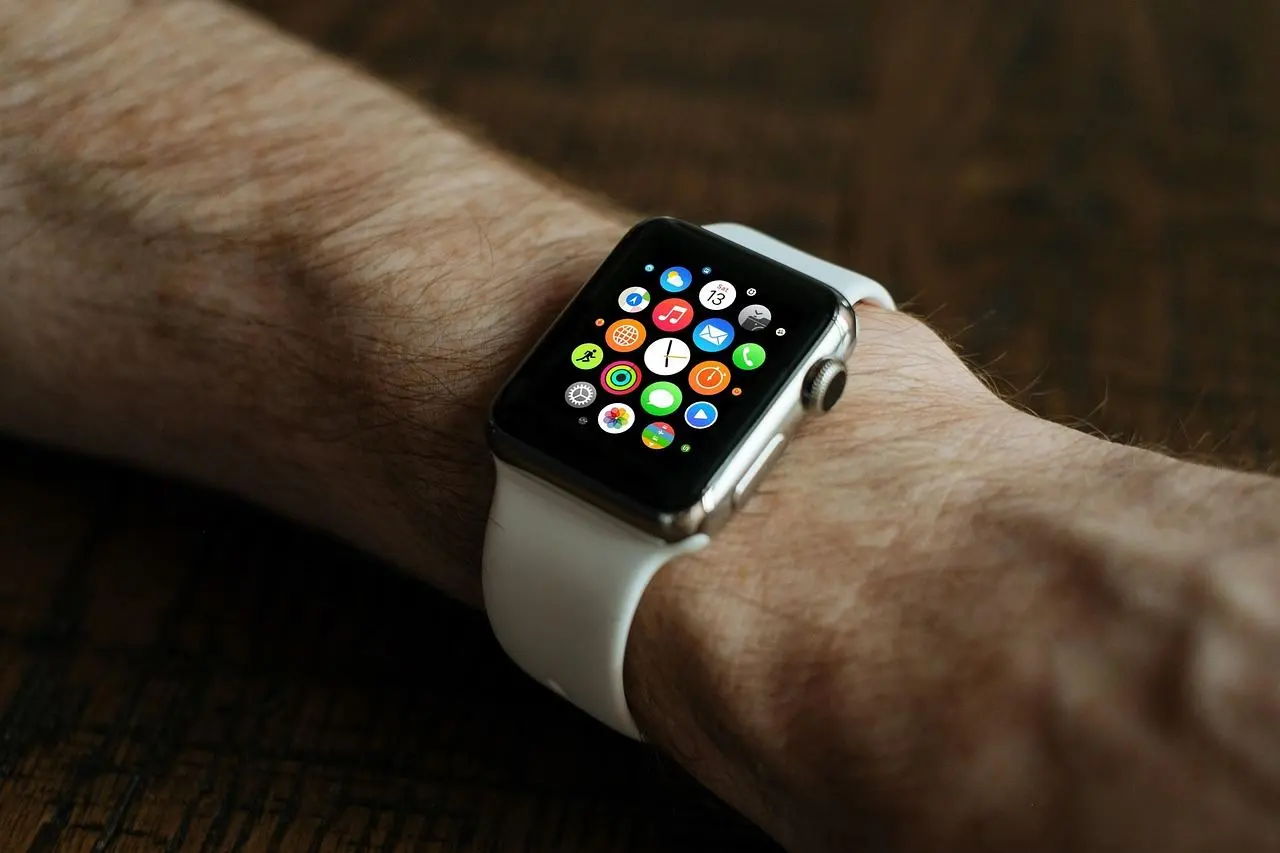
Charging behaviour matters as much as runtime. If you want sleep tracking, you cannot take the watch off at night, so the question becomes whether a 20 to 30 minute top-up while you shower covers a full day (source).
Check the charger too: a proprietary dock means one more cable to remember when travelling. If you often travel, our guide on how to choose a power bank covers carrying spare charge for your other devices.
Which health sensors are worth paying for?
This is the most heavily marketed part of the category, and it deserves the coolest head. Smartwatch health readings are not medical diagnoses, so do not only check whether a sensor is present: ask what the resulting number is good for.
Heart rate (optical PPG)
The optical sensor shines light into the wrist and infers pulse from changes in reflected light. Studies are reported to show relatively good accuracy at rest and during low-intensity activity, with error increasing as exercise intensity rises.
If you train by heart rate zones, check whether the watch can pair with a chest strap. Strength training and racket sports, with their heavy arm movement, are where wrist readings degrade most.
Blood oxygen
This uses the same optical principle but is far more sensitive to conditions. Reviews repeatedly note that ambient light can move the reading, that cold temperatures constrict peripheral vessels and reduce accuracy, and that skin pigmentation differences affect the measurement.
The sensible use is watching a trend under consistent conditions, not reading an absolute value.
ECG and irregular-rhythm alerts
An ECG feature records a single-lead trace using the potential difference between wrist and fingertip. The essential point is that screening and diagnosis are different things.
Sleep tracking
Sleep literature generally assesses consumer wearables as reasonable at estimating total sleep time but mixed at staging. That makes them useful for longitudinal self-tracking, not for polysomnography-level decisions.
Matching sensors to your use
- Daily activity only: a basic PPG heart rate sensor is enough, and there is little reason to pay up for higher-tier sensors.
- Serious training: look at heart rate zone alerts, chest strap pairing and GPS accuracy, and treat blood oxygen as low priority.
- Outdoor metrics: check separately for an altimeter, compass and multi-band satellite support.
Each of these points comes from the same buying guide.
Water resistance labels are not interchangeable
The buying guide calls this the single most misread line on a product page, because 5ATM and IP68 certify different things. Neither is a superset of the other.
So read which test the maker names, then compare it with how you will really wear the watch: showering, swimming or just rain. If the page gives only a marketing phrase such as “water-proof”, look for the actual rating before you buy.
A short checklist before you buy
Work through these in order, because each step removes candidates:
- Confirm the watch works with the phone you will keep, including notification replies and payments.
- Turn the quoted runtime into a real-world figure and compare it with your charging routine.
- Pick sensors for what you will use, and ignore extras you cannot act on.
- Read the water-resistance rating, not just the headline claim.
- Check the charger type and how quickly a short top-up helps.
If a bigger screen suits you better than a wrist display, the guide on how to choose a tablet is a sensible next read.
Frequently asked questions
Can a smartwatch diagnose a heart problem?
Show answer
No. If the device flags something unusual, treat it as a prompt to see a clinician rather than a verdict, since a screening alert and a diagnosis are separate matters.
What if I think I have sleep apnea?
Show answer
Get it confirmed with a proper sleep study rather than a graph from your wrist, because the sleep stages a watch reports are the weaker part of its tracking.
Will a Wear OS watch work with an iPhone?
Show answer
Some third-party models can technically connect. The experience is generally described as deliberately limited, with restrictions on replying to messages and invoking voice assistants.
Why does my watch run out sooner than the box says?
Show answer
Printed runtimes come from gentle test conditions. A bright display, GPS during workouts and a steady stream of alerts pull real use below them, so plan your charging routine around the lower figure.
Does a higher water rating always beat a lower one?
Show answer
Not necessarily, since different labels reflect different tests and one cannot stand in for the other. Compare what each test covers with what you plan to do in the water.