
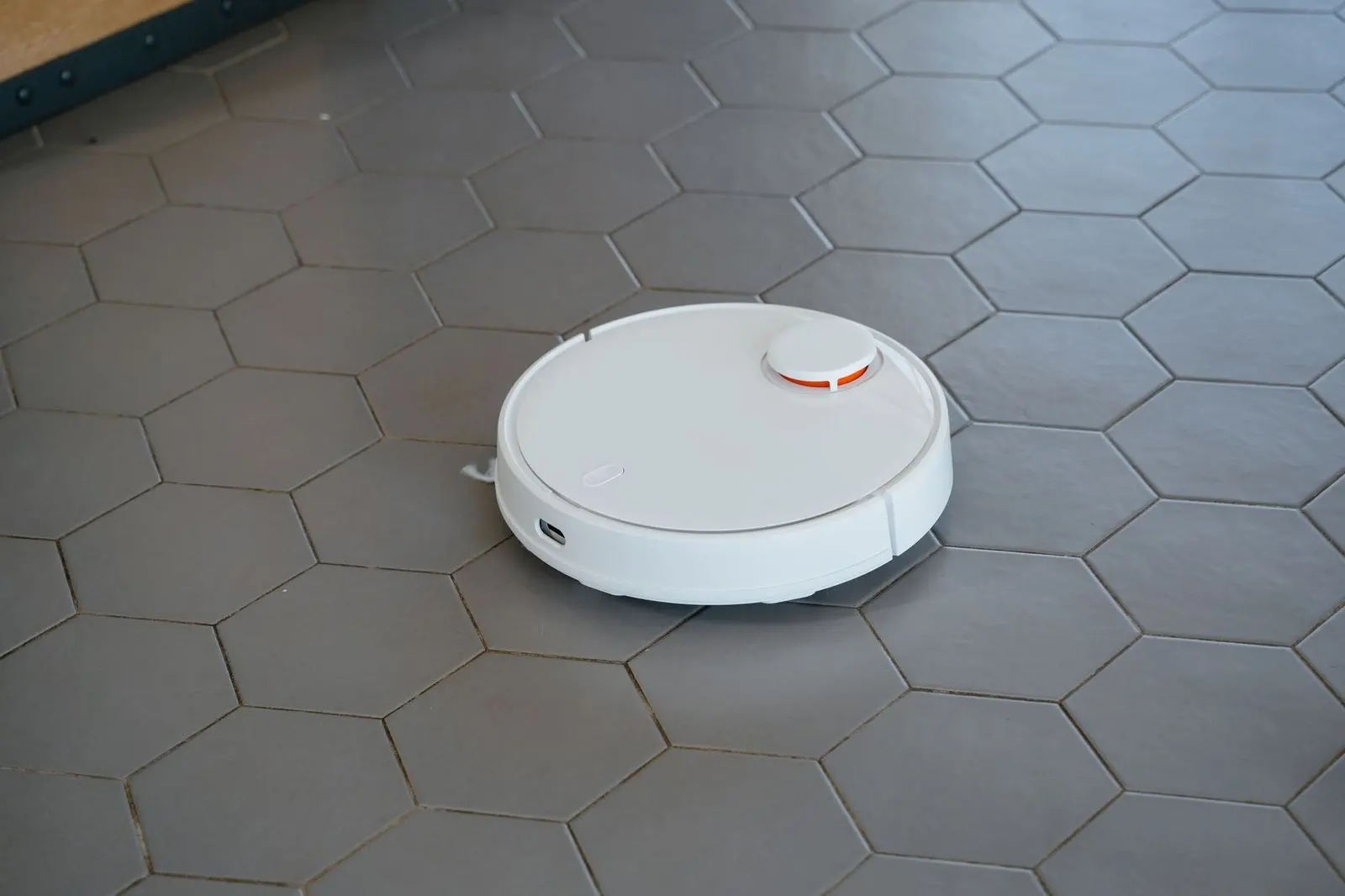
Worried about paying for a robot vacuum that gets stuck or misses the corners? When you’re working out how to choose a robot vacuum, match its navigation, suction and upkeep to your floors and clutter, not to the biggest number.
This guide is part of our home improvement buying guide, which covers other big household purchases.
| Item | Value |
|---|---|
| Entry-level suction | 2,500-4,000 Pa |
| Mid-range suction | 5,000-8,000 Pa |
| Hard floors (tiles, timber, vinyl) | Above 2,000 Pa |
| Low-pile carpet | At least 4,000 Pa |
| Medium to high-pile carpet | 6,000 Pa and above |
These figures come from Narwal’s US buying guide and Narwal Australia’s robovac guide. They are manufacturer rules of thumb and can change, so check the source before you rely on them.
Which navigation system suits your home?
Navigation decides whether a robot cleans in orderly lines or bumps around until the battery runs out. Ecovacs describes three main types of navigation, and the first is LiDAR, which uses lasers to scan and map rooms with high precision.
The same guide says camera-based systems build a visual map but may have difficulties in dim lighting. Sensor-based models bump into things and can miss hard-to-reach areas, and they lack the detailed mapping of the other two types.
A saved map is more useful than it sounds. According to Narwal Australia’s guide, it lets you pick specific rooms, draw no-go zones around pet beds or play areas and schedule particular zones.
Obstacle avoidance is the next question, and RobovacGuide ties the answer to how tidy your floors are:
- Mostly clear floors: LiDAR with 3D structured light is plenty.
- Kids, pets or things left lying about: look for an RGB camera on top of that.
- Stairs and ledges: Ecovacs notes that cliff sensors are a standard feature in most models.
Suction: what the Pascal number does and does not tell you
Suction is measured in Pascals (Pa) and is the most heavily marketed spec. Narwal’s guide puts entry-level robots at 2,500-4,000 Pa and mid-range models at 5,000-8,000 Pa, with premium models able to exceed 10,000 Pa.
More is not proportionally better. The same guide says a 20,000 Pa vacuum does not pick up twice as much debris as a 10,000 Pa model, because airflow path and brush design matter too.
For floor types, Narwal Australia says most models above 2,000 Pa perform reliably on tiles, timber and vinyl. It suggests at least 4,000 Pa for low-pile carpet and 6,000 Pa and above for medium to high-pile carpet.
Other guides set the bar higher. RobovacGuide calls 7,000 Pa or higher fine for hard floors and low-pile carpet, and says that above 18,000 Pa you are in flagship territory with diminishing returns. Because the cut-offs disagree, treat them as starting points, not rules.
Brushes, filters and pet hair
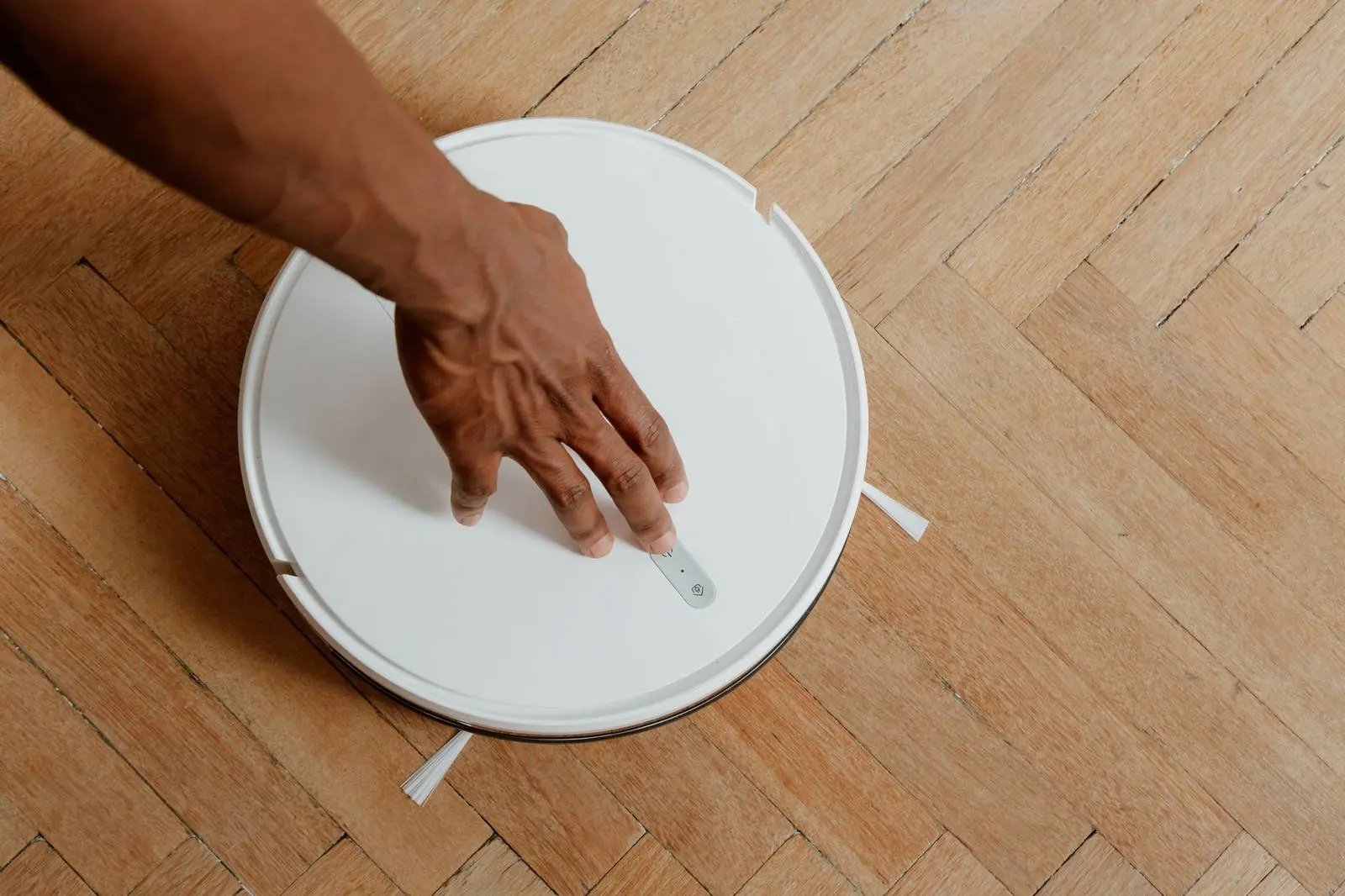
Hair wrapping around the roller is a familiar complaint. Narwal Australia calls brush tangling one of the most common frustrations, particularly in households with pets or people with long hair.
On roller design, Narwal’s US guide says rubber rollers resist hair tangling more effectively than bristle-only designs. It also notes that single side brushes are common, but sweep radius and bristle length decide how well they clear corners.
Filtration matters most with allergies or pets. The same guide states that HEPA-grade filters trap a very high share of fine particles, and Ecovacs adds that maintaining the filter is equally essential.
When you read a spec sheet, look for these three items:
- The roller material and whether the brush is built to resist hair wrap.
- How far the side brush reaches along walls and into corners.
- The filter grade, and how easily you can take it out to clean.
Mopping and docks: where upkeep is decided
Mopping quality varies widely. Narwal Australia says a dragged damp pad suits light dust and surface grime but has little effect on dried-on marks or sticky residue.
If you have rugs or carpet, look for automatic mop lifting. The same guide says the best systems lift the pads when a carpet is detected, which stops wet mops from dampening the fibres.
The dock sets how often you handle the machine. Narwal Australia says a standard dock needs emptying after every few cleans while a self-emptying station stretches that to every few weeks, and RobovacGuide lists dust bags that last 60-150 days.
If you mop, check the dock for these features, which both Narwal Australia and RobovacGuide describe:
- Automatic emptying into a sealed bag.
- Mop pad washing during or after the clean.
- Warm-air drying, which RobovacGuide says prevents mildew and odor on mop pads.
Leave room for the base, too. Ecovacs suggests a flat wall with some empty space around it as the home base, which doubles as the charging station.
Size, noise and battery
Robots come in different heights. RobovacGuide reports a range from 2.85 inches to 4.3 inches, so measure under bed frames, low sofas and cabinet kick-spaces first.
Noise also varies. The same guide says robot vacuums range from 51 dB to 67 dB during cleaning, and suggests models under 60 dB if you run the robot at night or while you are home. It adds that dock drying cycles can be louder than the robot itself.
For runtime, Ecovacs says most robot vacuums can operate for over an hour before needing a recharge. RobovacGuide says 150+ minutes handles most homes under 2,500 sq ft in one session, and that recharge and resume means battery life mainly changes how long one cleaning session takes.
A short checklist before you buy
Work through these steps in order, and you will narrow the field quickly:
- List your floor types and note which rooms have carpet or rugs.
- Measure the gaps under furniture where you want the robot to go.
- Decide how cluttered the floors usually are, and pick the obstacle avoidance level to match.
- Choose how much dock automation you want, based on whether you mop and how often you accept emptying it.
- Compare noise and runtime with the size of your home and when you plan to run it.
Our guides on how to choose a cordless drill and how to choose a washing machine use the same spec-first method for other household purchases.
Frequently asked questions
How much suction do I really need?
Show answer
Your floors decide most of it. Narwal’s guide says a mostly carpeted home is better served by a motorized brush with strong agitation than by a model optimized for hard floors.
Do I need a camera for obstacle avoidance?
Show answer
It depends on what ends up on your floors. Narwal Australia warns that a robot unable to detect obstacles will get stuck, knock things over or, in the worst cases, drag pet waste across your floors. If your home sees that kind of mess, RobovacGuide recommends a model with an RGB camera.
Is a self-emptying dock worth it?
Show answer
For many households it is. Narwal Australia calls it the feature that genuinely reduces how often you need to interact with the machine, though the base takes up floor space.
What upkeep does a robot vacuum still need?
Show answer
Some, even with a dock. Ecovacs advises regular software updates, cleaning the brushes and sensors, and avoiding overcharging to help the battery last.