
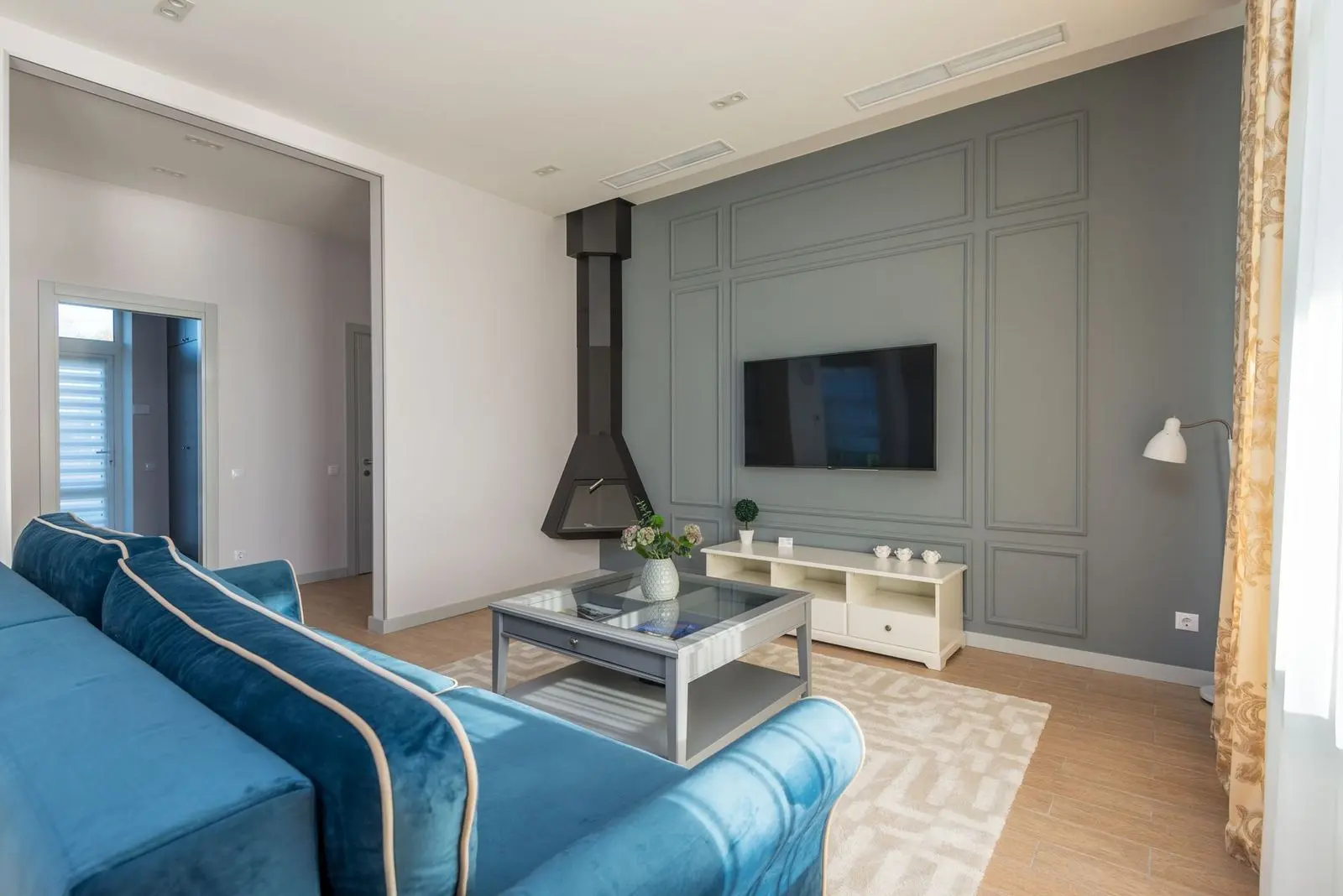
Baffled by OLED, QLED and size charts? Here is how to choose a TV: match the panel to your room, size the screen by viewing distance, and check refresh rate only if you game.
This guide sits inside the wider consumer electronics buying guide, which covers other devices in the same neutral way.
| Item | Value |
|---|---|
| Screen size rule of thumb | Viewing distance in inches divided by 1.5 |
| Example size | 80-inch screen for a 10-foot (120 inch) viewing distance |
| Standard refresh rate | 60Hz for most TV viewing |
| Input lag for gaming | Under 20ms is considered excellent |
| Netflix Ultra HD streaming | 25 Mbps recommended |
These figures come from the HDTV Magazine FAQ. They can change, so check the source before you rely on them.
OLED, QLED and Mini-LED: what the panel names mean
A How-To Geek buying guide describes two dominant display technologies: LED-LCD (including QLED) and OLED. Knowing which family a set belongs to explains most of the differences you will see in a shop.
- OLED: each pixel produces its own light, so the panel is self-emissive and a pixel can switch off entirely.
- QLED: HDTV Magazine calls this Samsung’s marketing term for LCD panels backlit with quantum dots, which improve colour volume and brightness.
- Mini-LED: it still uses traditional LCD technology, but with smaller LEDs, so many more dimming zones fit behind the screen.
Ordinary LED sets shine light through several layers, which can hurt black levels. The better ones use full-array local dimming to dim select areas of the screen and improve black reproduction, according to How-To Geek.
The same source adds that OLEDs are susceptible to burn-in under certain conditions. If your TV will show a static channel logo or game interface for hours, weigh that risk.
Brightness, viewing angles and your room
Your room matters as much as the panel. How-To Geek says a QLED set might get twice as bright as an OLED, which suits a very bright room.
The HDTV Magazine FAQ sums it up as dark rooms favour OLED, while QLED and Mini-LED can get brighter for well-lit spaces.
Seating also counts. OLED displays have excellent viewing angles, which makes them ideal for group watching, while LCD sets depend on their panel type.
| Panel | Strength | Trade-off |
|---|---|---|
| OLED | Excellent viewing angles, perfect blacks | Burn-in risk under certain conditions |
| VA LCD | Best contrast ratios and colour reproduction | Poor off-axis viewing angles |
| IPS LCD | Excellent viewing angles | Poor contrast ratios |
The comparison above follows How-To Geek, so check its wording before you rely on it for a specific model.
How big should the screen be for your room?
The HDTV Magazine FAQ gives a general rule: divide your viewing distance (in inches) by 1.5 to get a suggested screen size. That is a starting point, not a law.
The same page works through an example: a 10-foot (120 inch) viewing distance suggests an 80-inch screen. For 4K content you can sit closer without seeing pixels, and it suggests dividing by 1 for a more immersive result.
It also advises that when in doubt you should go bigger, since screens rarely feel too large in practice. Check that your wall unit or stand can still hold the width.
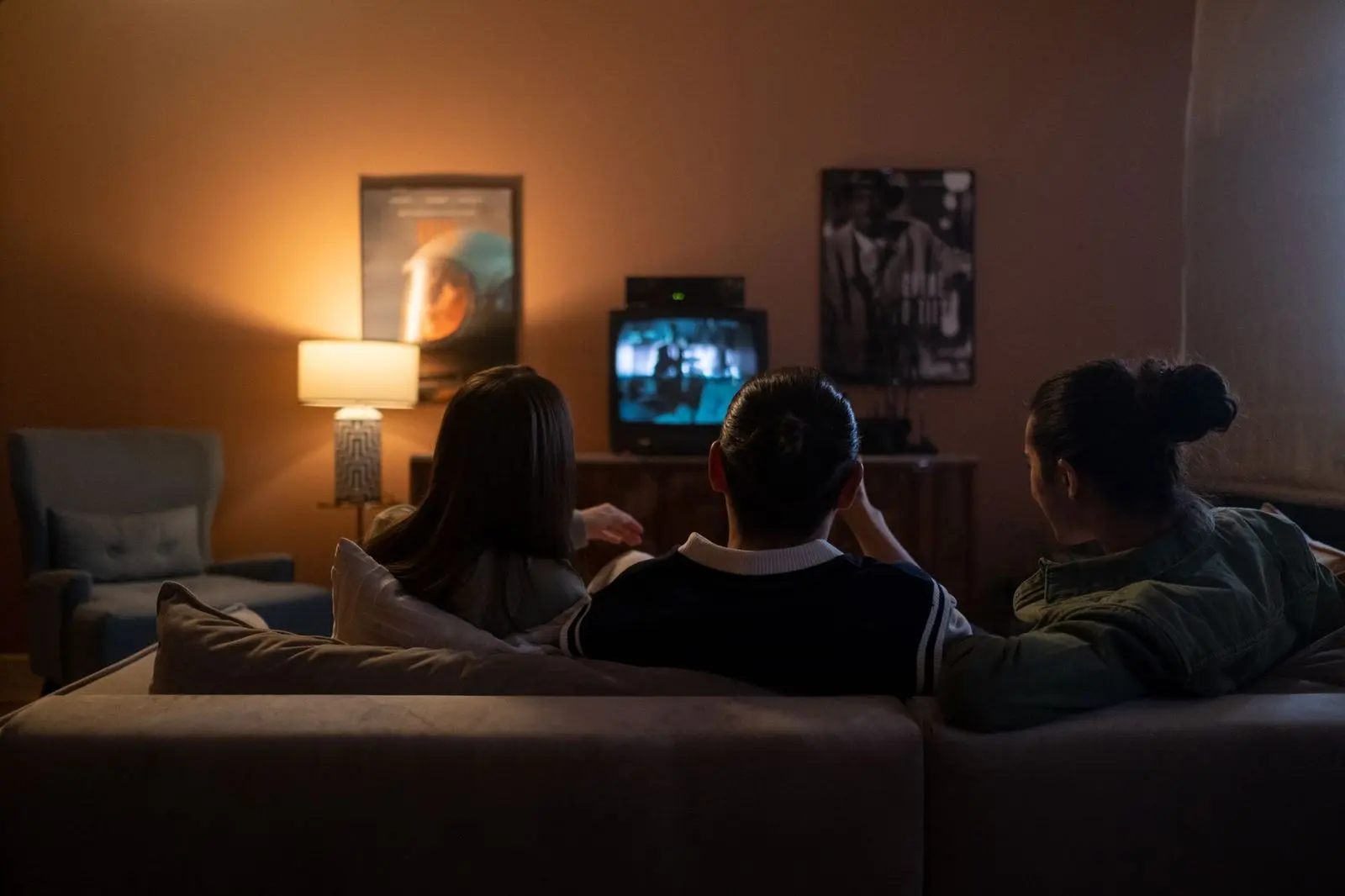
- Measure the distance from your seat to the screen position, in inches.
- Divide that number by 1.5 for a suggested size.
- If you want a more immersive picture from 4K content, try the smaller divisor of 1.
- Compare the result with the space on your wall or stand.
Refresh rate, input lag and HDMI 2.1 for gaming
Refresh rate is how many times per second the screen redraws the image. According to the HDTV Magazine FAQ, 60Hz is standard for most TV viewing, while 120Hz is beneficial for gaming and sports.
Treat “motion rate” and “effective refresh rate” labels with care, because the same page says these are often doubled figures. For consoles, confirm the TV supports native 120Hz with HDMI 2.1.
Input lag is the delay between pressing a button and seeing the result. On the same source, anything under 20ms is considered excellent and under 10ms is ideal for competitive play.
If you play late at night, a wired or wireless set can keep the house quiet, and the guide on how to choose headphones explains what to look for.
HDR formats and streaming speed
Dynamic range is the span between the darkest blacks and the lightest lights. How-To Geek puts a traditional standard dynamic range (SDR) TV at about six stops, with the latest HDR displays going well beyond that.
You will meet several HDR formats on spec sheets, and the HDTV Magazine FAQ names the main ones:
- HDR10: an open standard, widely supported.
- Dolby Vision: dynamic metadata and higher quality, but licensed.
- HLG: a broadcast standard.
- HDR10+: Samsung’s dynamic alternative to Dolby Vision.
The same page warns that HDR is worth having only if the TV can actually hit the brightness levels required. It also says Netflix recommends 25 Mbps for Ultra HD, and that 50 Mbps or more on a wired or strong Wi-Fi connection leaves headroom for other household devices.
Specs that matter, and marketing that does not
The HDTV Magazine FAQ lists what is worth paying attention to when you compare spec sheets:
- Panel type (OLED or LCD).
- Native refresh rate.
- Peak brightness, measured in nits.
- HDMI 2.1 ports, for gaming.
- Local dimming quality.
Once the TV is home, the same source says that for the most accurate image you should use “Movie” or “Cinema” mode, since these are closest to calibrated settings.
Reading a spec sheet critically is a skill that carries over to other purchases, and the guide on how to choose a smartphone applies the same habit to phones.
Frequently asked questions
Should I pick OLED or QLED for a sunny living room?
Show answer
Lean towards a QLED or Mini-LED set if daylight floods the room. How-To Geek notes that LCD sets use an LED backlight and can get a lot brighter than OLED models.
Do I need a 120Hz TV?
Show answer
Not for ordinary viewing, since HDTV Magazine calls 60Hz the standard for most TV viewing. A 120Hz panel mainly helps with gaming and sports.
Can a TV be too large for my room?
Show answer
Rarely, according to HDTV Magazine, which says screens seldom feel too large in practice. Use the distance rule first, then check the space available.
Is burn-in a reason to avoid OLED?
Show answer
It is a factor, not a verdict. HDTV Magazine says OLED panels have historically carried a burn-in risk under heavy static content use, though newer OLEDs have improved significantly.