
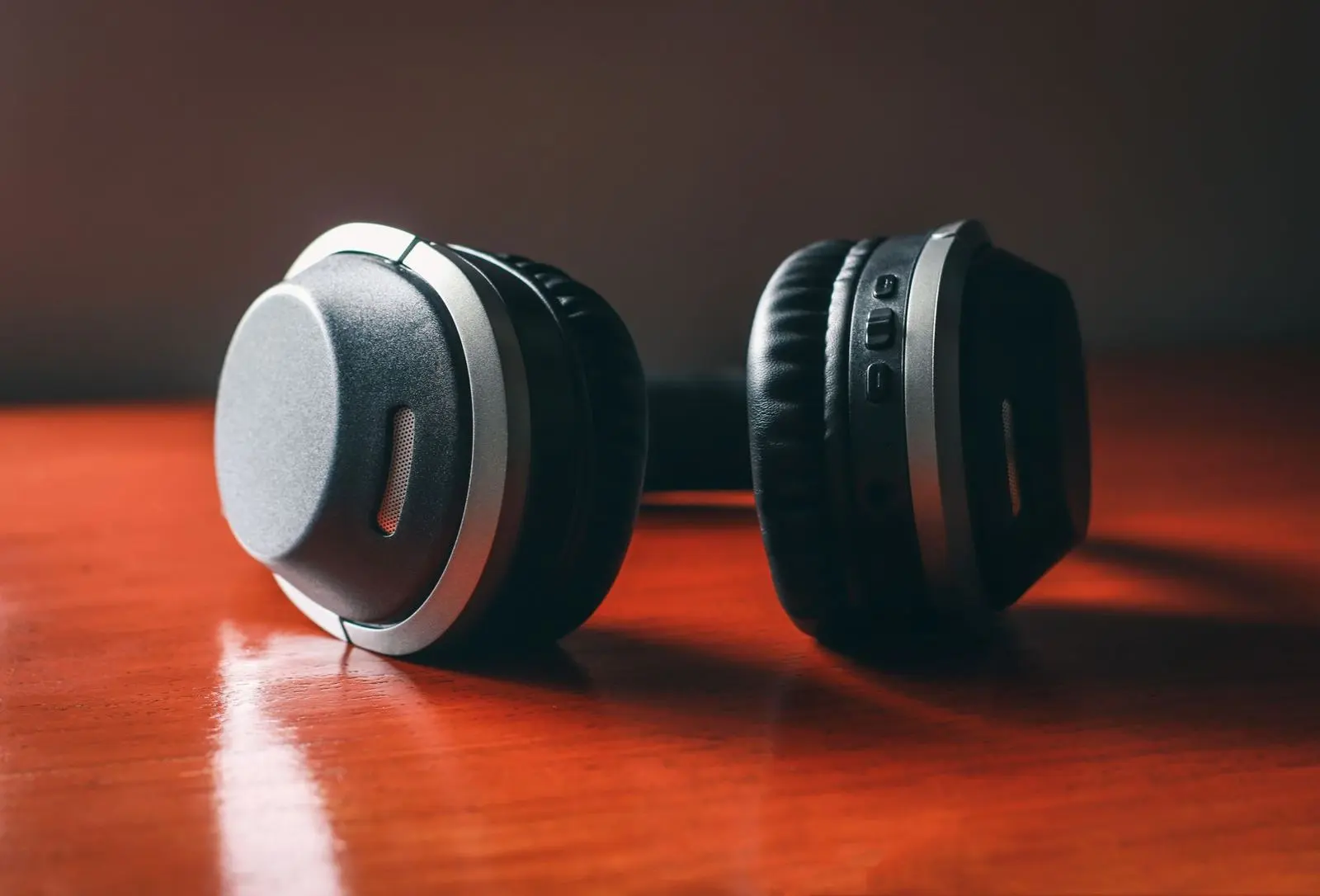
Not sure how to choose headphones? Start with where you will use them, then match the type, fit and connection to that. Keep the volume in a safe range, whichever pair you pick.
For wider context on specifications and buying criteria, see our consumer electronics buying guide.
| Item | Value |
|---|---|
| WHO-ITU adult listening mode | 80 dB for 40 hours per week |
| WHO-ITU child listening mode | 75 dB for 40 hours per week |
| Young people at risk of noise-induced hearing loss (WHO estimate) | Half of all young people (12-35 years old) |
| People expected to have disabling hearing loss requiring rehabilitation | Over 500 million people by 2030 |
The figures come from the WHO-ITU standard page and from UNRIC’s report of WHO estimates. They can change, so check the sources before you rely on them.
Start with where you will use them
Before comparing models, settle on the main purpose. Trusted Reviews opens its guide by asking you to consider the purpose you are buying for: sports, casual listening, frequent travel or audio performance above everything else.
That one answer narrows the rest of the choice. A rough way to read it:
- Travel and commuting: weigh how compact the pair is and how much outside noise you want to hear.
- Exercise: look for a secure fit that stays put when you move.
- Home listening: comfort over long sessions usually matters more than size.
- Critical listening: sound quality leads, and other features come second.
Write your answer down before you browse. It keeps eye-catching styling from deciding for you.
Which type is right: in-ear, on-ear or over-ear?
In-ear models sit in the ear canal. Trusted Reviews describes the benefit as a tight fit that reduces sound leakage, plus a light, compact form that suits portability. The same guide notes that in-ears can break easily and are prone to loose wiring, and that some people find the fit uncomfortable.
On-ear (supra-aural) models rest on the ear instead of around it. According to Trusted Reviews, they are more compact and lighter than over-ears, but the reduced size means a smaller sound and the pressure on the ear can cause discomfort as it heats up.
Over-ear (circumaural) models enclose the whole ear. The same source calls them probably the most popular type: greater noise isolation, larger drivers for a bigger sound, and thick earpads, although they can generate heat and sweat and are heavier, especially home-use designs (Trusted Reviews).

Do not assume that bigger cups always mean better sound. Techlicious says the design changes how music sounds, in ways that depend on the individual headphone.
| Type | Strength | Watch out for |
|---|---|---|
| In-ear | Tight fit, light and compact | Can break easily; some find the fit uncomfortable |
| On-ear | Compact and lighter than over-ear | Smaller sound; the ear can heat up |
| Over-ear | Greater noise isolation, larger drivers, thick earpads | Heavier; can generate heat and sweat |
The comparison summarises Trusted Reviews and Techlicious. Both are general guides, so treat the points as tendencies, not rules for every model.
Getting a fit you can wear for hours
If you choose earbuds, check the eartips that come in the box. Techlicious notes that most companies offer at least three sizes and that more is much better.
Tip material matters too. Foam tips squish down and then expand to fit, but the same guide warns that foam is harder to clean than silicone or plastic.
Glasses wearers should look closely at cup design. Techlicious says over-ear cans are more comfortable for people with glasses, while on-ear cans that press hard on the ear can be uncomfortable (source).
A short fit checklist:
- Do the tips or pads sit comfortably after a long session, not just a few minutes?
- Does the band adjust widely enough for your head?
- Do the cups feel warm or heavy?
Wired, wireless and noise cancelling
Connection and features vary widely. Digital Trends points out that different kinds of headphones offer features such as active noise cancellation, Bluetooth connectivity and built-in sensors, with great variance in how they sound and feel.
With a cable, look at the in-line controls. Techlicious explains that controls and a microphone on the cord let you skip tracks and answer calls without touching the phone, and advises you to check the type of control and compatibility with your device.
Wireless in-ears often come as a neckband that rests on the neck, with the thicker part housing the battery, according to Trusted Reviews. Because wireless designs need power, check battery information on the product page before you commit.
Noise control comes in two forms:
- Passive isolation: the eartips or cups block sound on their own. The more they block, the lower the volume you will need, which Techlicious says is better for your ears (source).
- Active noise cancelling: microphones listen to the sound around you and erase it from your soundscape. It works best with constant noise and has trouble tuning out intermittent sounds (source).
Protecting your hearing while you listen
The WHO-ITU standard for personal audio devices, listed as a 2019 initiative by UNRIC, aims to reduce the risk of hearing loss among users of such products, according to WHO. It describes software that tracks the level and duration of your exposure and builds an individual listening profile.
The standard lets the user pick one of two modes for the total sound dose that can be consumed safely. Mode 1 for adults is 80 dB for 40 hours per week, and Mode 2 for children is 75 dB for 40 hours per week (WHO).
It also lists volume-limiting options. Automatic volume reduction lowers the volume based on the user’s profile, and parental volume control lets a parent set a level, protected by a password (WHO). These are features of the playback device, so look in your phone or player settings as well as at the headphones.
The stakes are real. UNRIC reports that over 500 million people are expected to have disabling hearing loss requiring rehabilitation by 2030, and that hearing loss is permanent and preventable.
A short checklist before you buy
- Name your main use: commuting, exercise, home or critical listening.
- Pick a type: in-ear, on-ear or over-ear.
- Check the fit: eartip sizes, pad comfort, weight and heat.
- Decide between a cable and wireless, and check controls and compatibility.
- Decide whether you need active noise cancelling or whether good isolation is enough.
- Confirm that your device offers volume limiting and listening-profile features.
Headphones often share a desk or living room with a screen, so our guides on how to choose a TV and how to choose a monitor make natural next reads.
Frequently asked questions
Are over-ear headphones always better than earbuds?
Show answer
No. The better pair is the one that suits how you listen. Earbuds pack away easily, while bigger cups trade pocket space for comfort and isolation.
Does noise cancelling help protect my ears?
Show answer
It can help indirectly. Techlicious says many people turn music up to dangerous levels because they want to block or cover up outside noises, so cutting that noise can let you keep the volume lower.
Do gaming headsets fall under safe listening guidance?
Show answer
Gaming has its own guidance. WHO and ITU launched guidelines ahead of World Hearing Day 2025 that recommend safe listening features for gaming hardware and software, as UNRIC reports.
Can I replace a worn-out headphone cable?
Show answer
Sometimes. Techlicious notes that some on-ear and over-ear models have detachable cords instead of hardwired ones. That lets an owner swap a failing cord for far less than the cost of new headphones, so look for the feature when you shop.